Skip to content

THE COACHING WORKSPACE

It’s 2026.
Coach
like it.

Training plans, athlete feedback and progress. All in one place, so you can focus on coaching.

Explore the features
Athlete training with dumbbells in a gym
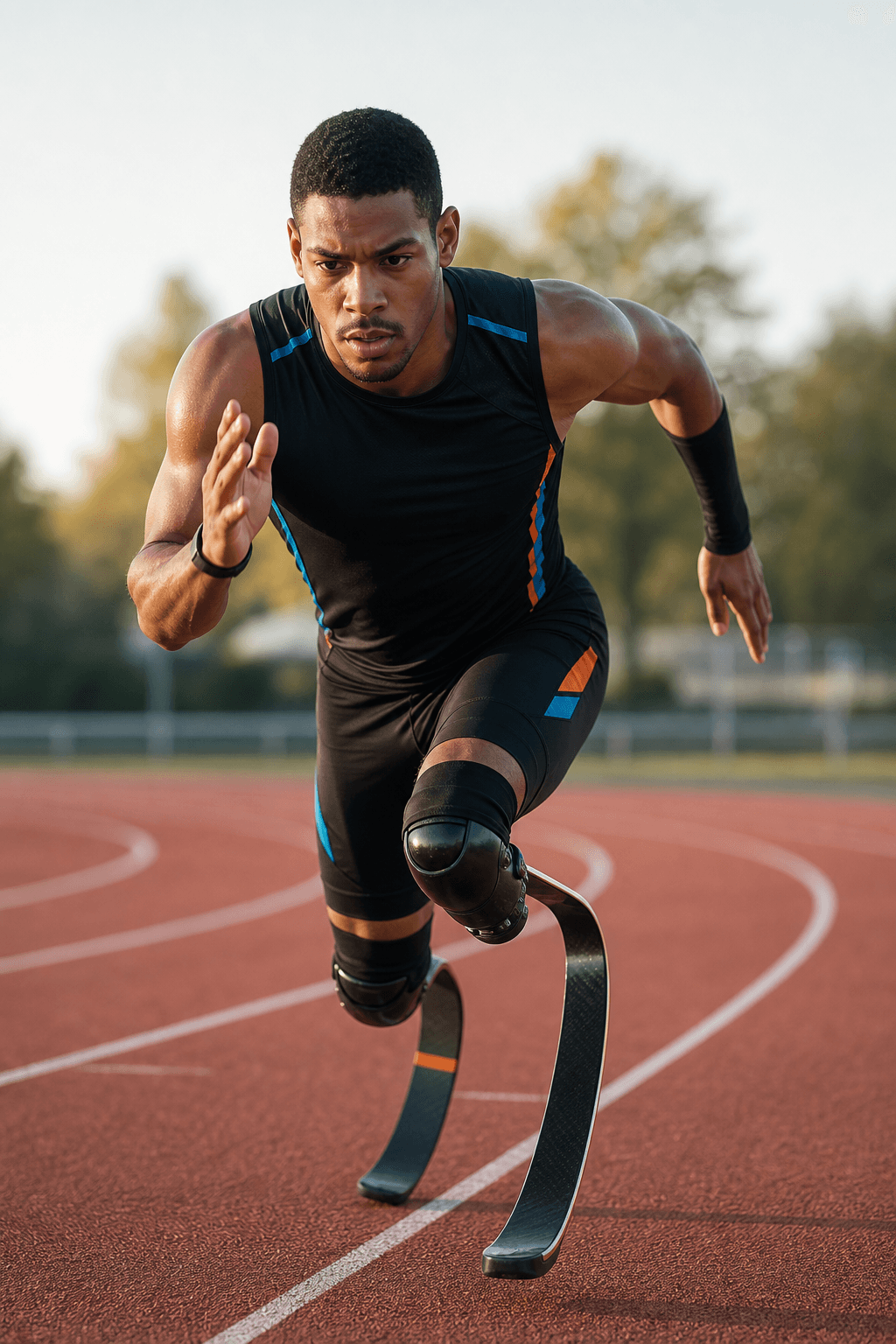
Athlete sprinting on a track
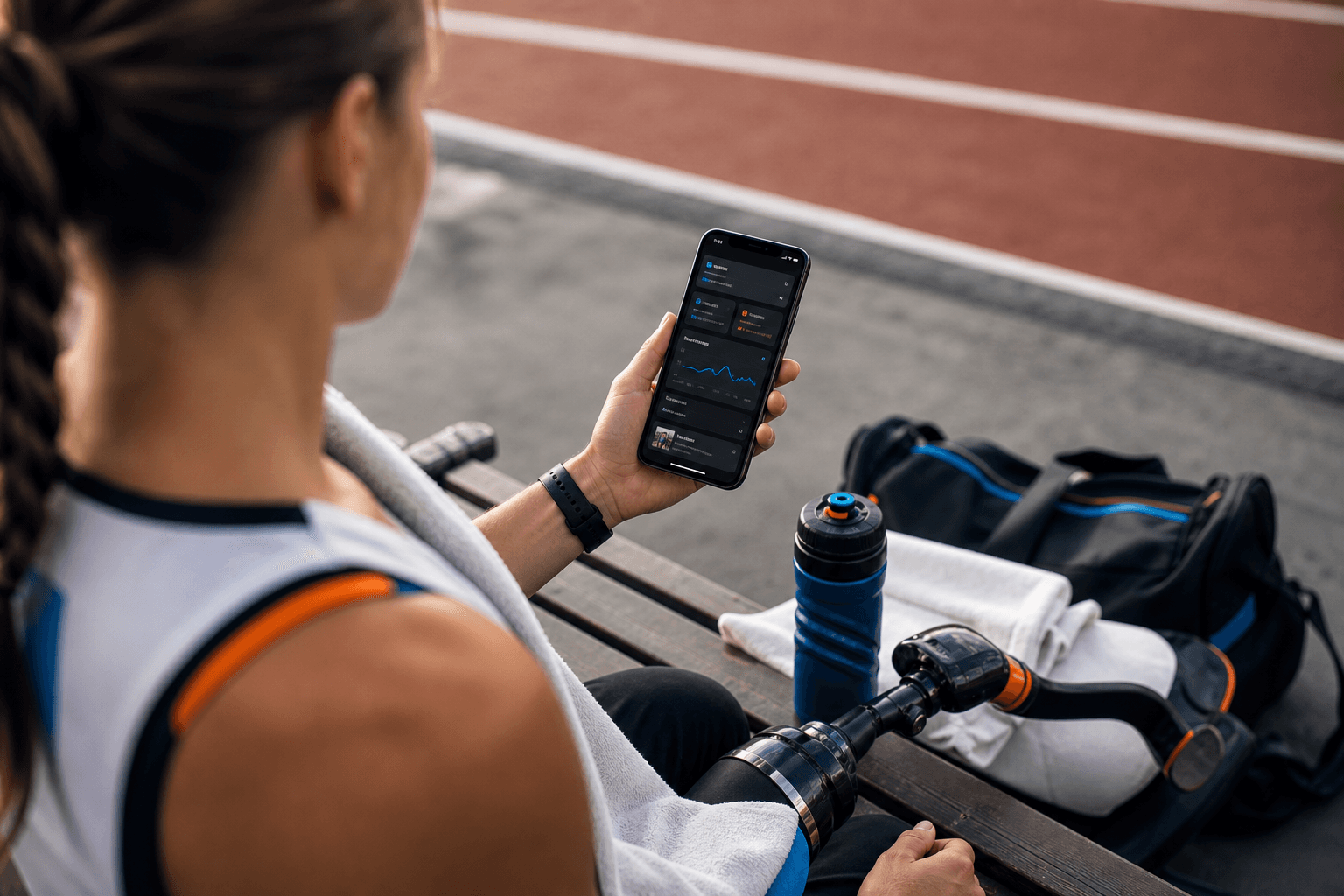
Athlete reviewing training feedback
Tom coaching Richard Whitehead during a strength and conditioning session
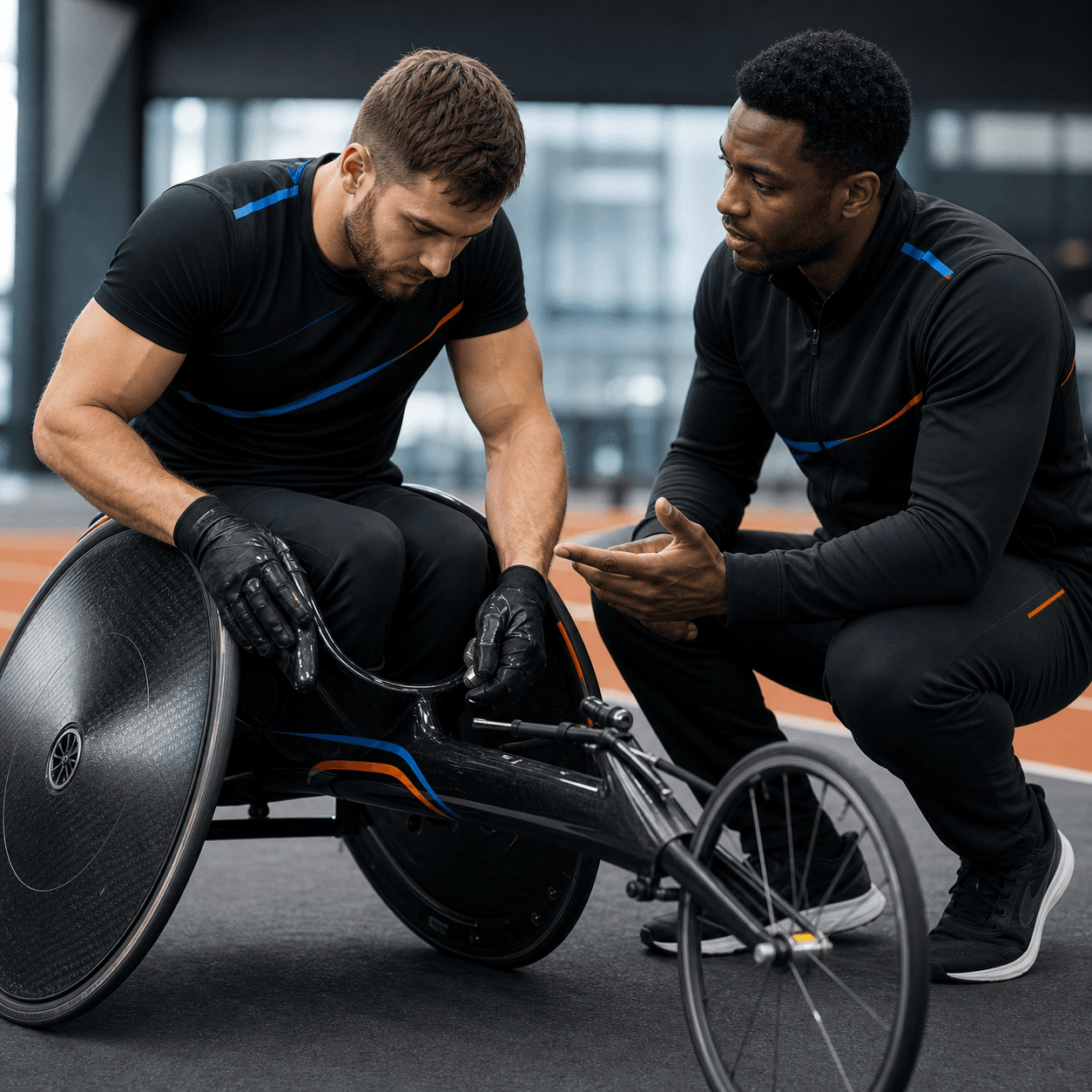
Coach and athlete preparing training equipment
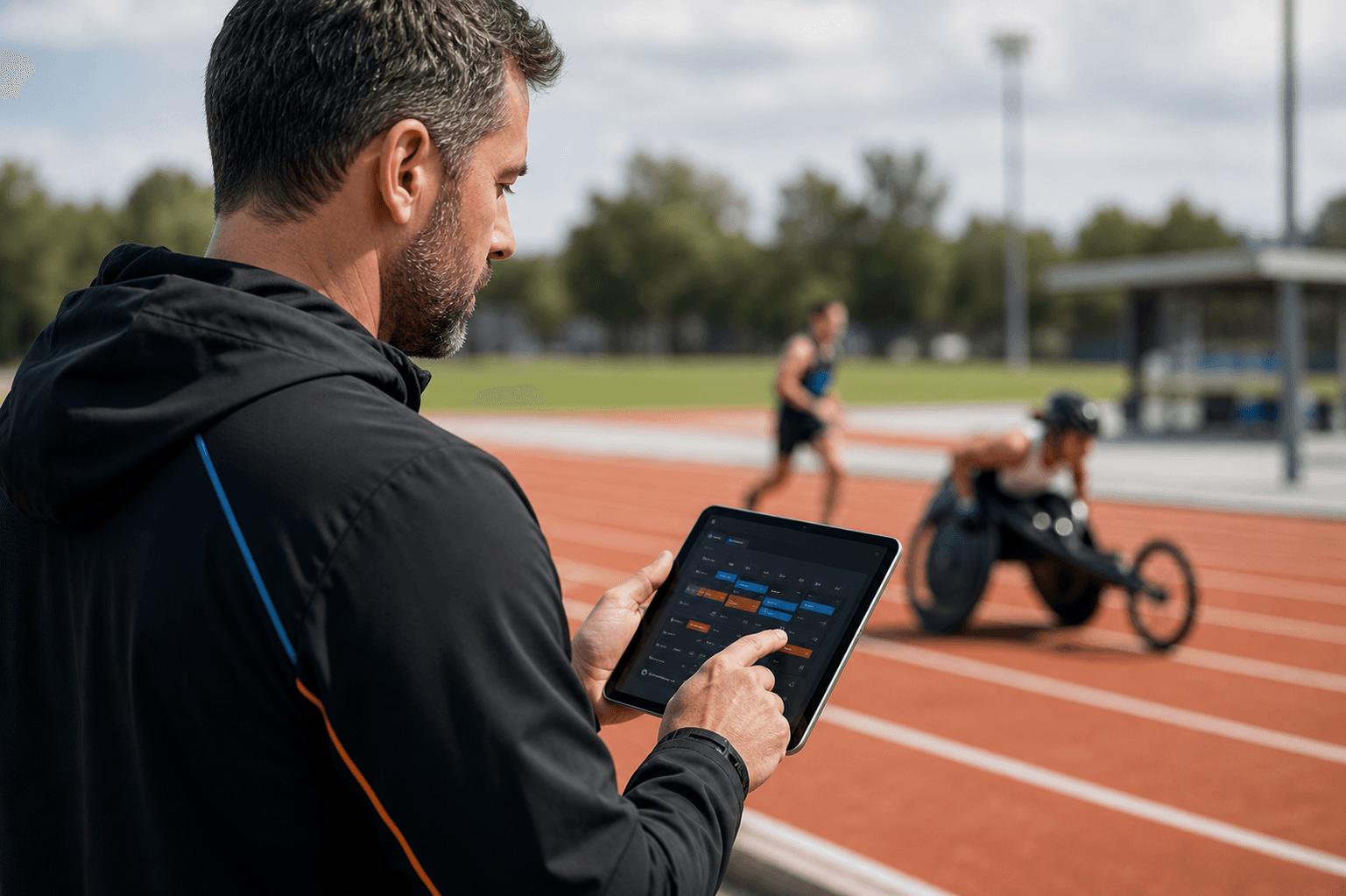
Coach supporting an athlete at the track

Reuse your plans and exercises.

Save the plans, workouts and check-ins you use. Find exercises by equipment, movement pattern or muscle group, then give each athlete the details they need.

Seated cable row

EXERCISE DETAIL
StrengthHorizontal pullCable machine

PRIMARY MUSCLE GROUP

Back

PRESCRIPTION FIELDS

Reps + intensityRPERestCoach note

SETUP + COACHING CUES

Use the saved exercise instructions as a starting point. Add the athlete's agreed setup and session-specific cues.

Adaptation notes +

Keep equipment setup and individual adaptations with the exercise so they remain available during planning.

Condition guidance +

Exercise entries can include condition-specific guidance alongside setup instructions and coaching cues.

See how each session went.

See completed work alongside how the athlete felt. Review check-ins, follow up on updates, and keep evidence close to the session it belongs to.

Check-ins due2 athletes
New athlete update1 update

Illustrative roster alerts. Coaches can configure notification preferences.

AM

Alex Morgan

Monday · Upper-body strength

EXAMPLE
COMPLETED4 / 4exercises
REPORTED EFFORT6 / 10session RPE
CHECK-INLoggedMorning readiness
Set evidence attachedSeated cable row · Athlete upload
VIDEO
ATHLETE UPDATE

Completed the session. The new seat position felt more stable on the rows.

COACH REPLY

Thanks, Alex. I'll review the clip before our next session and keep the setup notes with the exercise.

Track progress with repeatable tests.

Record the protocol, equipment and conditions for each test so you can compare results and set training intensities.

Athlete context

EXAMPLE PROFILE
AM

Alex Morgan

Wheelchair racing

Training phase
General preparation
Modality
Wheelchair
Testing context
Outdoor track

EQUIPMENT NOTES

Racing chair setup recorded in athlete profile.

Classification, condition details and equipment notes help keep the programme specific to the athlete.

Physiology evidence

ILLUSTRATIVE RECORD

MAX AEROBIC SPEED

18.4 km/h

Wheelchair · Outdoor track

Recorded marker24 AUGContext kept with result
Evidence fieldKept with the test
ProtocolName + version
ConditionsEnvironment + equipment
CalculationMethod + coefficients
HistoryPrevious results retained
RunningCyclingHandcycleWheelchair

Example marker only. The application supports protocol-specific outputs including LT1, LT2, VO₂ max, maximal aerobic speed and power.

Nutrition, reports and athlete records.

Review nutrition and training history alongside each athlete's health and equipment needs.

Nutrition targets and intake

EXAMPLE DAY

Assign calorie, macro and hydration targets. Athletes record their intake so you can review the plan alongside what happened.

Illustrative nutrition targets and logged intake
MetricTargetLogged
Protein140 g136 g
Calories2,400 kcal2,320 kcal
Hydration2.5 L2.2 L

Analytics and coaching reports

Review training load, exercise progress, nutrition and repeated tests. Save a report with the results you reviewed and download it as a PDF.

Health and access needs

Keep reusable health-condition notes and exercise adaptations alongside the athlete's individual details, classification and equipment setup.

Explore exercise guidance

Polar and Strava activities

Review imported Polar workouts and training load. Athletes can attach a Polar or Strava activity to a prescribed task, keeping the evidence beside their session response.

Explore coach communities

Plan your next training week.

Keep your training plans and athlete feedback in Built Twice.

Meet Built Twice